2000-Level
1. Look at the tab to see if there are any errors at this level:
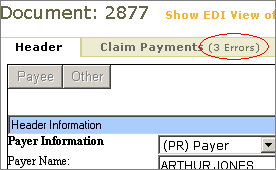
2. If so, click the tab to see a table containing a line for each 2000 loop (Provider loop) in the transaction set. At this point, you can take one of the following actions.
|
To do this … |
Do this … |
|
Edit the data for a 2000 loop |
Click the pencil in the Edit column:
Change the data at the bottom of the page. Click Save. |
|
Delete a 2000 loop |
Click the X in the Delete column. This immediately deletes the loop with no confirmation message. |
|
Add a 2000 loop |
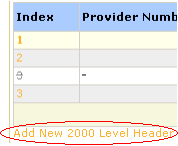
Click Add New 2000 Level Header below the table:
Type an index number and save. Since this newly-created loop is empty, click its Index number and click Add New Payment. Fill out the form and click Save. |
|
See subordinates of a 2000 loop |
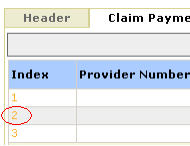
Click the number in the Index column for the loop:
See 2100-Level. |